Google Forms to quiz
Copy a Google Forms quiz, answers and all, into a file ready to import into eProfessor.
Open your quiz and click Preview.

The eye icon, top right.
Click the correct answer for each question.
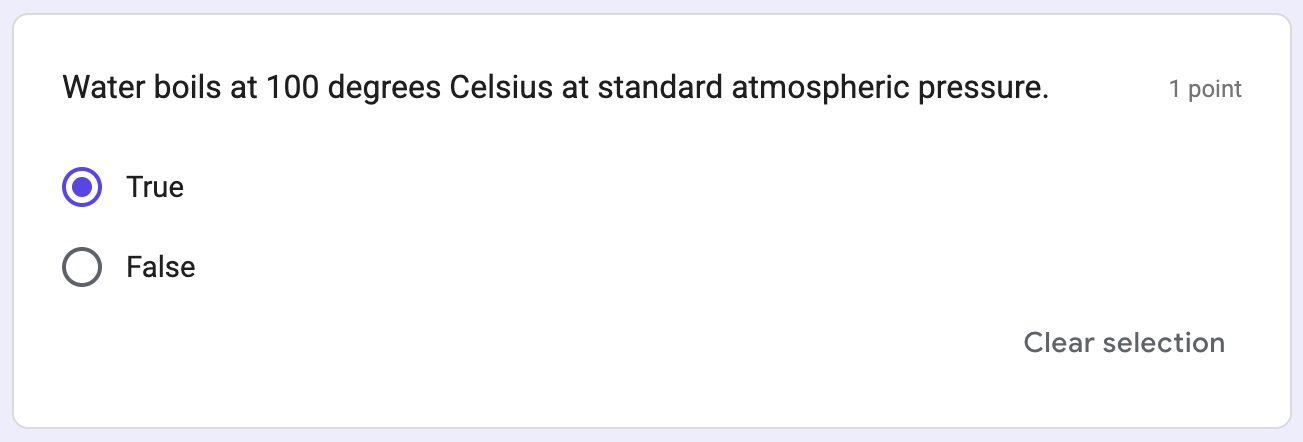
Copy the whole page.
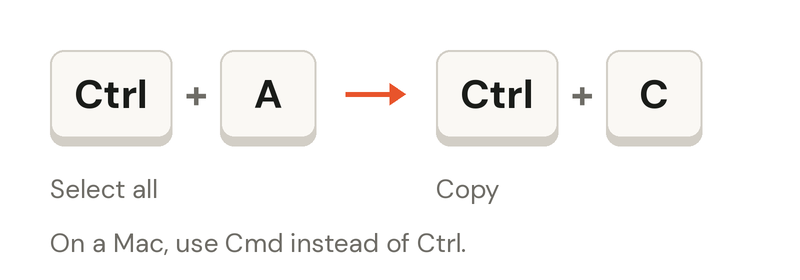
Paste it below.
Your questions appear with the answers marked.
0 questions found
Paste your quiz preview to see your questions here.
Your Google Forms quizzes, graded in eProfessor
Import your questions and every test is scored the moment it's submitted. Free for 14 days, no card needed.
Formatting, copying, and downloading happen in your browser. The CSV is sent only if you choose to email it.