Bundles
Pricing and discounts
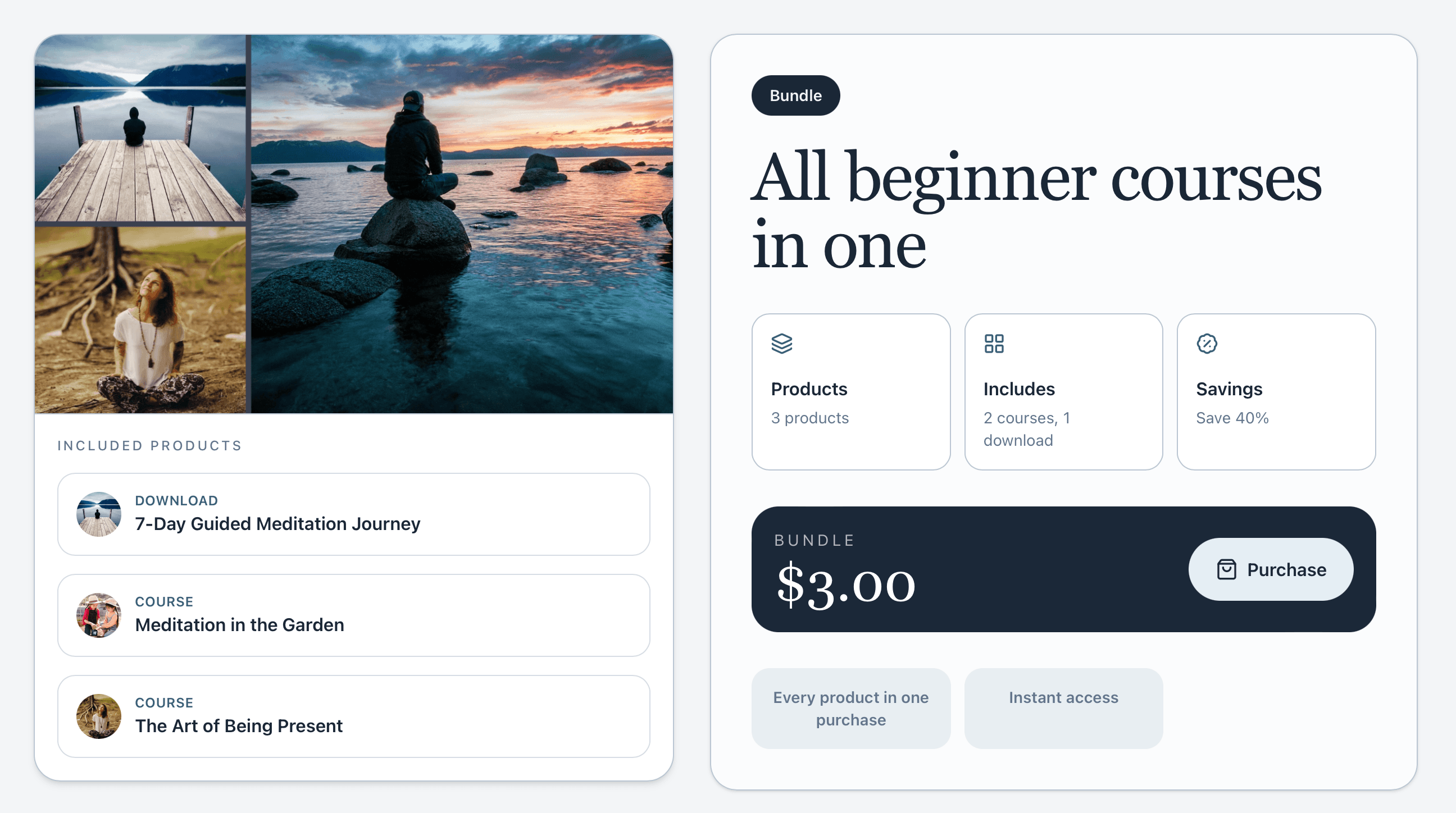
How the discount is shown
When a bundle costs less than its products would cost separately, the bundle card in your list and the catalog show the bundle price, the original price crossed out, and a badge with the percentage saved.
For example, a bundle holds three products priced at USD 0, USD 5 and USD 0. Bought separately they come to USD 5. The bundle is priced at USD 3, so the card shows $3 with $5 crossed out and a -40% badge.
| What | Amount | | Products priced separately | USD 0 + USD 5 + USD 0 = USD 5 | | Bundle price | USD 3 | | Saving shown on the card | 40% |
In the New Bundle wizard, the crossed-out figure is called the Retail total: the prices of the included courses added together.
Choosing a good bundle price
- Price the bundle clearly below the total of its products, so buyers see a real saving.
- Include products that are priced above zero. A free product adds nothing to the total, so it doesn't make the saving bigger.
- Review the price whenever you add or remove products, since the total changes.