
Searching For Students
You are viewing the help for our legacy app. Check out our newest app's help.
As your list of students grows, you will find it helpful to use the "Filter by" fields to find individual students. You can filter your student list by first name, last name, or email address.
1. The filter by feature is only available to teacher accounts with student management privileges.
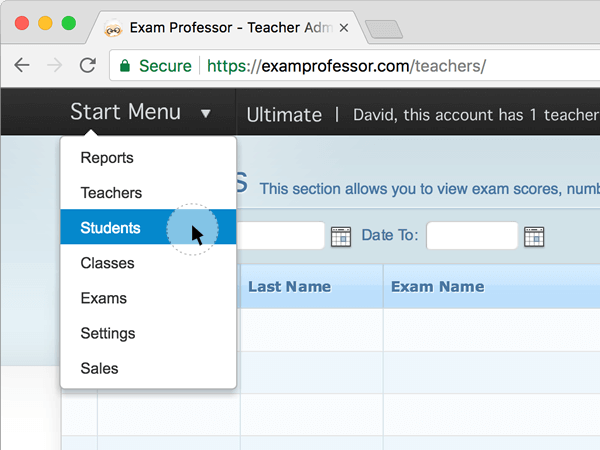
2. After you log in to the teacher account, click on the "Start Menu" and select "Students."
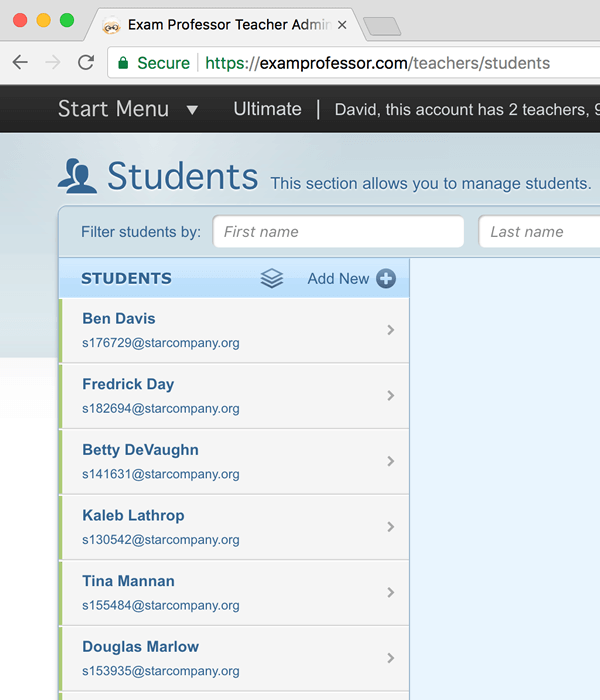
3. On the left, you will see a list of your students (both active and inactive). Put your cursor in one of the fields and type their first name, last name, or email address.
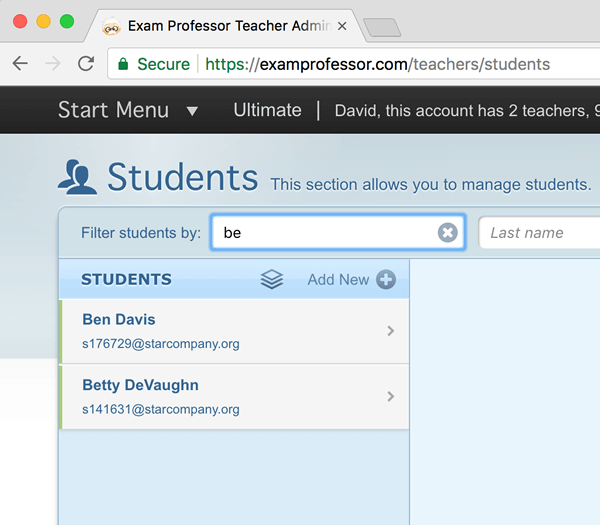
4. As you type, the list of students on the left will filter down to who you are looking for.
5. To view all students in the list again, simply erase the text in the filter by fields.